One-press crisis response with clear on-device confirmation. Built for operational reliability in high-occupancy environments.
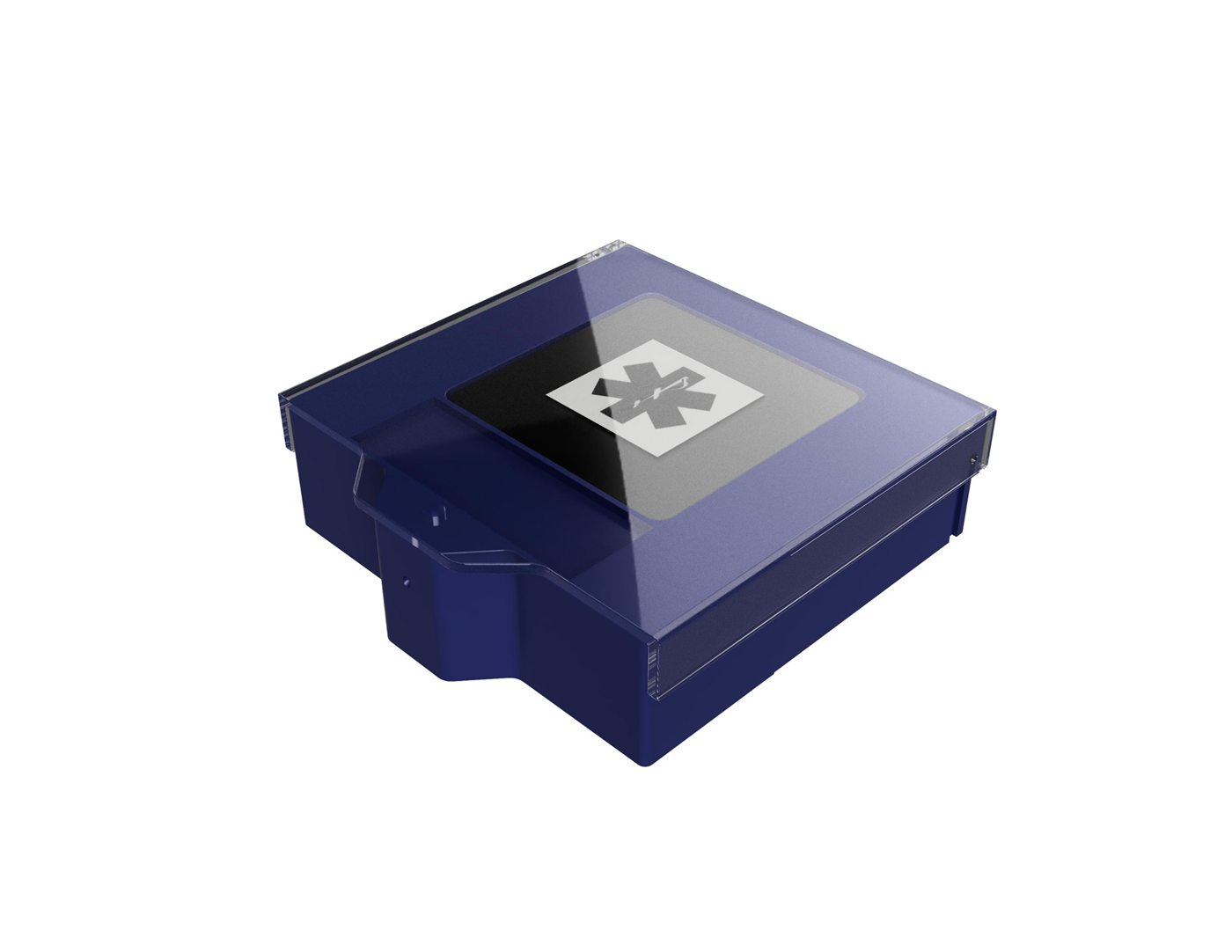
Press once to trigger predefined workflows and notify the right teams. The E-Ink screen confirms status to the person who pressed, reducing confusion during critical moments.
Single press sends LoRaWAN signal to your network gateway. No complex sequences. No delays. Designed for use under stress.
E-Ink display shows custom text and icons confirming alert was sent. Visible in all lighting conditions with minimal power consumption.
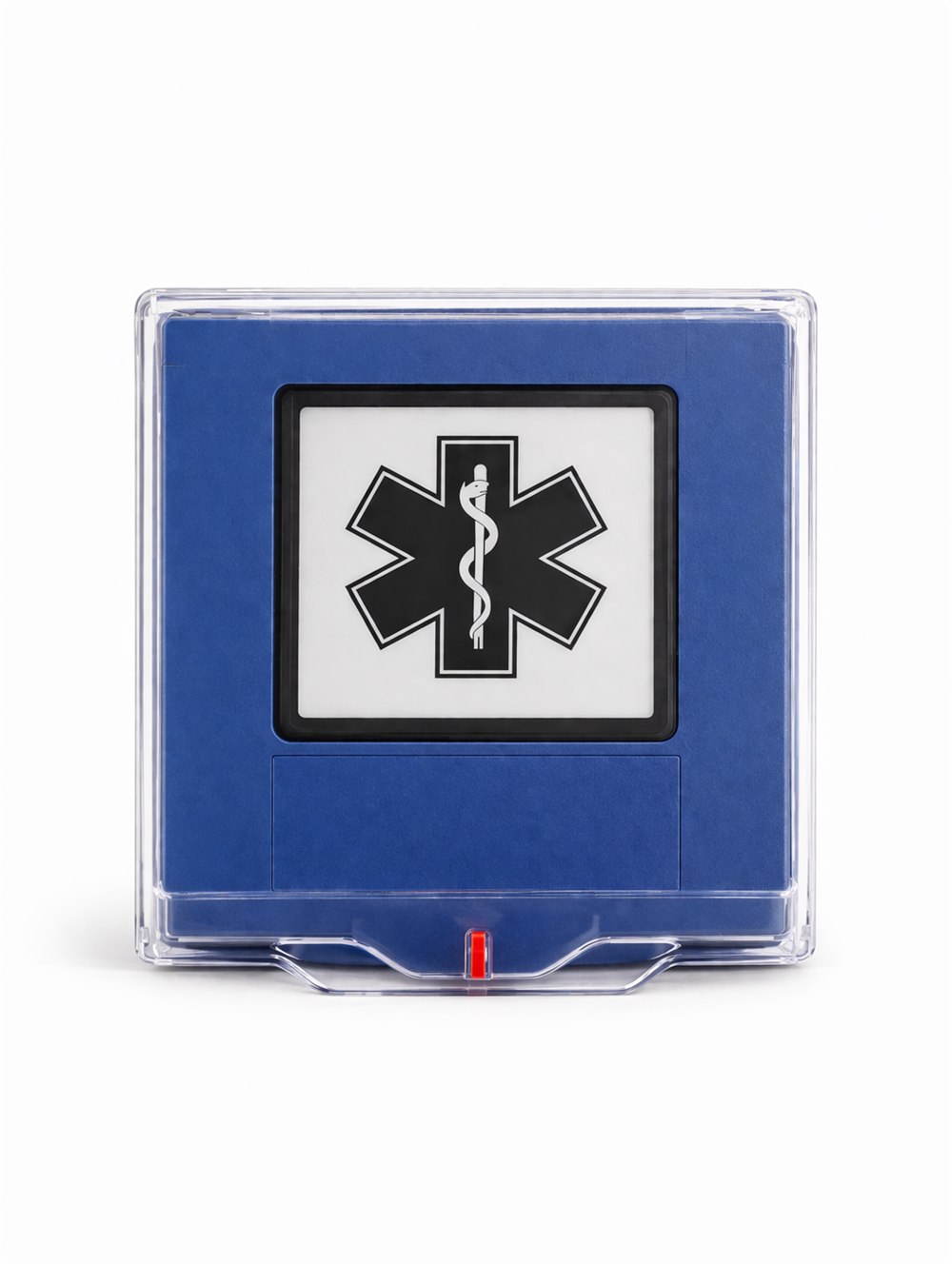
Color-coded housings let staff recognize the right button instantly under stress. Each color maps to a configured workflow with its own routing, escalation timing, and on-device E-Ink feedback.
Custom colors and icon sets are available for facility-specific scenarios.
Engineered for reliability. Built for scale. Designed for real facilities.
Long-range wireless connectivity for reliable signal transmission across large facilities.
Clear on-device confirmation with custom text and icons visible in all lighting conditions.
Multi-year operation designed for minimal maintenance and long deployment cycles.
Firmware updates and enhanced connectivity options for advanced deployments.
Optional access control integration to prevent unauthorized activation.
Temperature and humidity monitoring capability for facility management integration.
Specifications designed for enterprise deployment. No unsupported claims.
Rotate, zoom, and inspect the Beacon Guard Button hardware from every angle.
Choose the level of support that matches your operational requirements.
Buttons and gateways for integration with your existing systems.
Complete system with centralized management and monitoring.
Turnkey deployment with professional services and training.
Tell us your facility type and site count. We will propose placement and rollout options.